
The store decides, ValerIA delivers
In the Retailer Portal you set priorities, read conversations and step in when needed.
Decide what ValerIA says
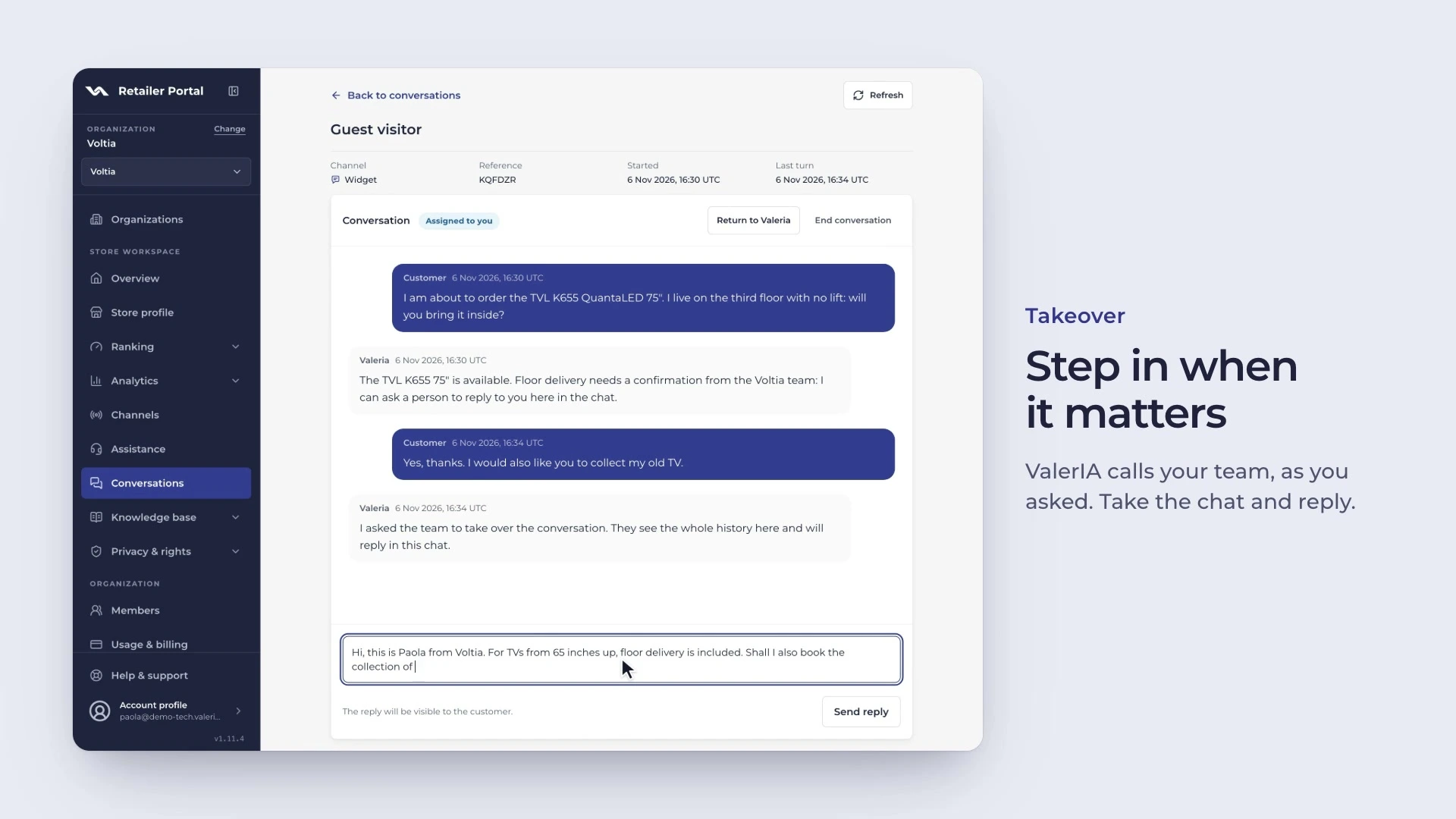
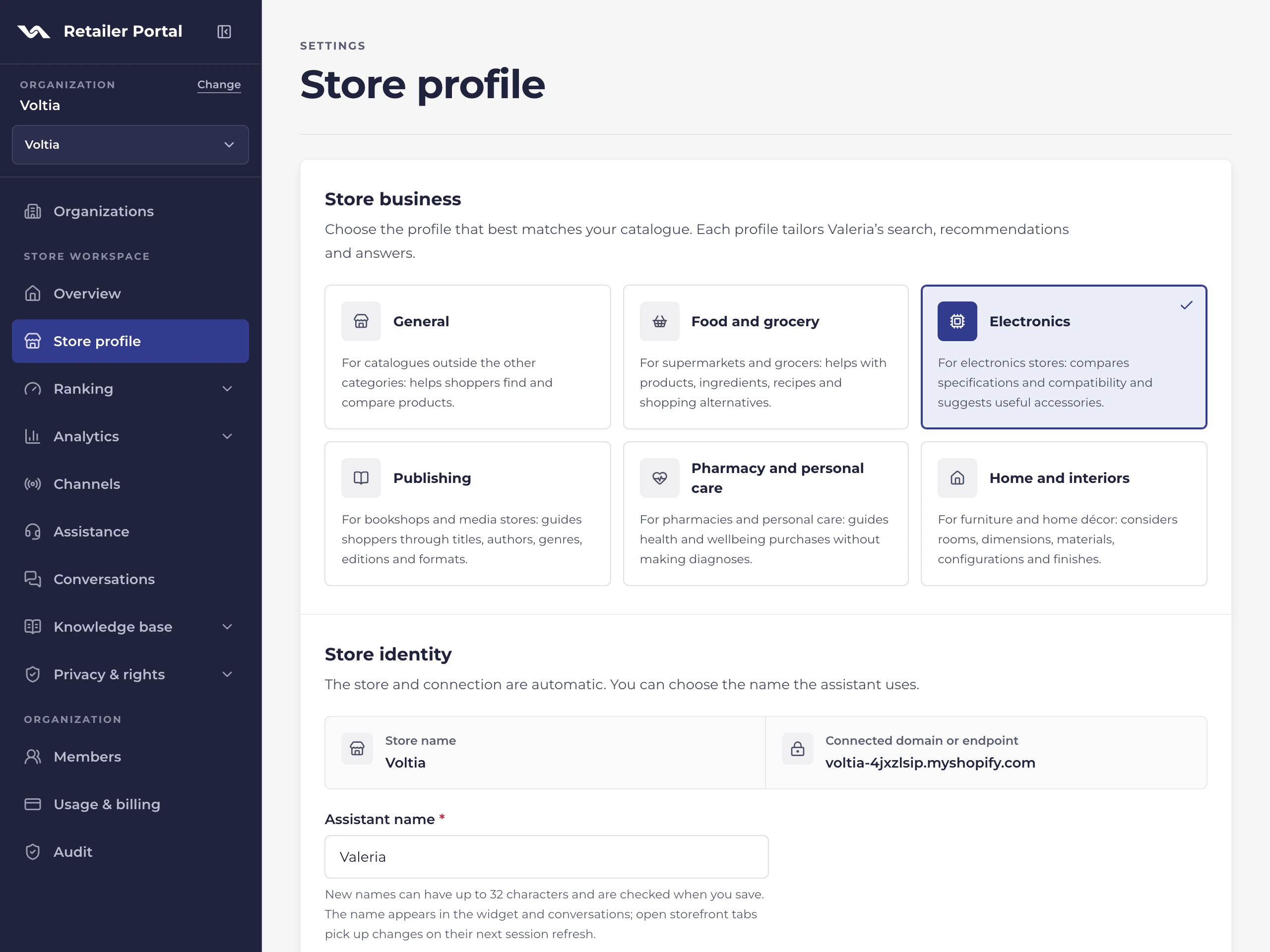
In the store profile you pick your sector and write custom instructions in your own words: tone, fallback language, which questions to ask, what to suggest.
-
A profile for your sector
Grocery, electronics, books, pharmacy, home or general: the profile shapes search, advice and answers.
-
Checked instructions
Check the text before you save it. Deceptive instructions, or ones unrelated to shopping, are rejected.
-
Prices on request
If you sell on request, say so in your instructions: product cards hide the prices.
Campaigns that respect relevance
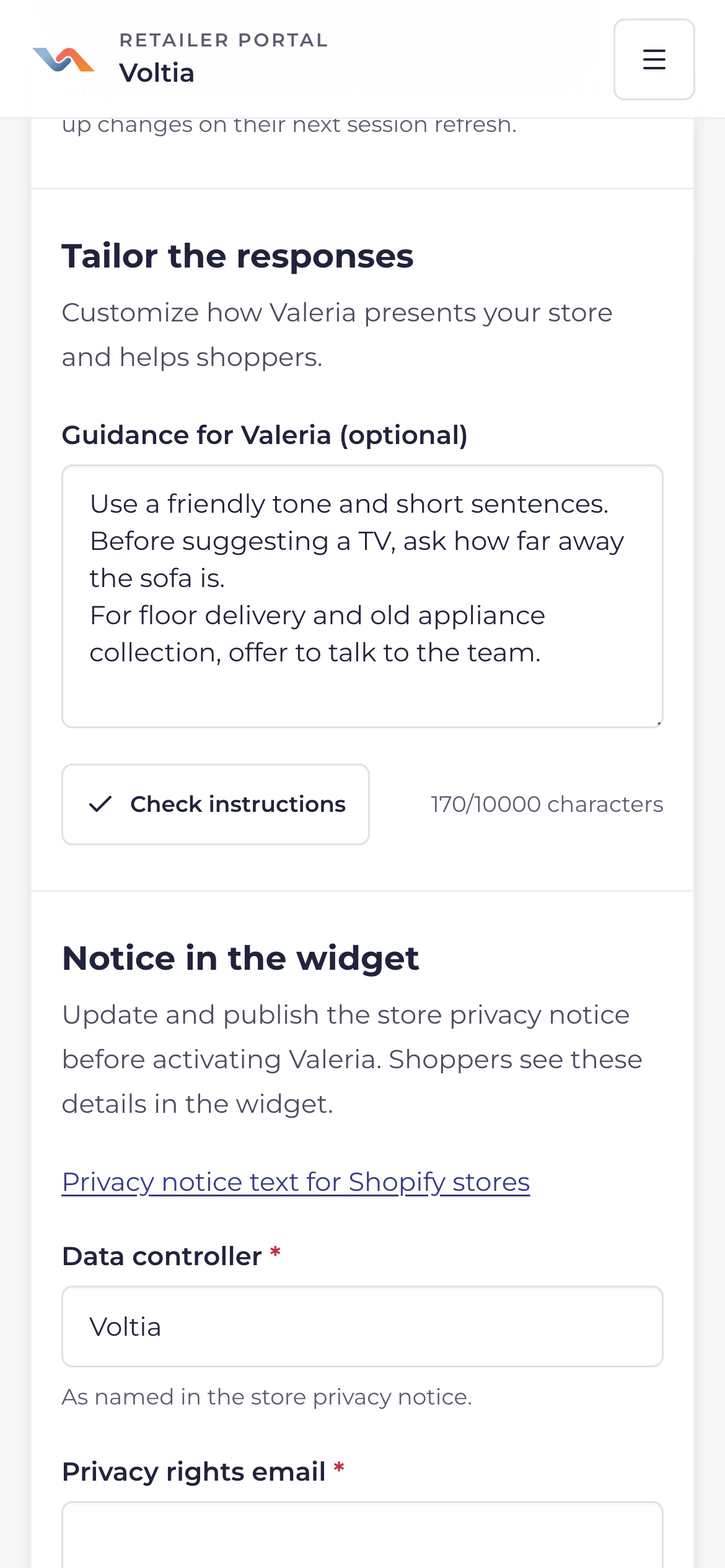
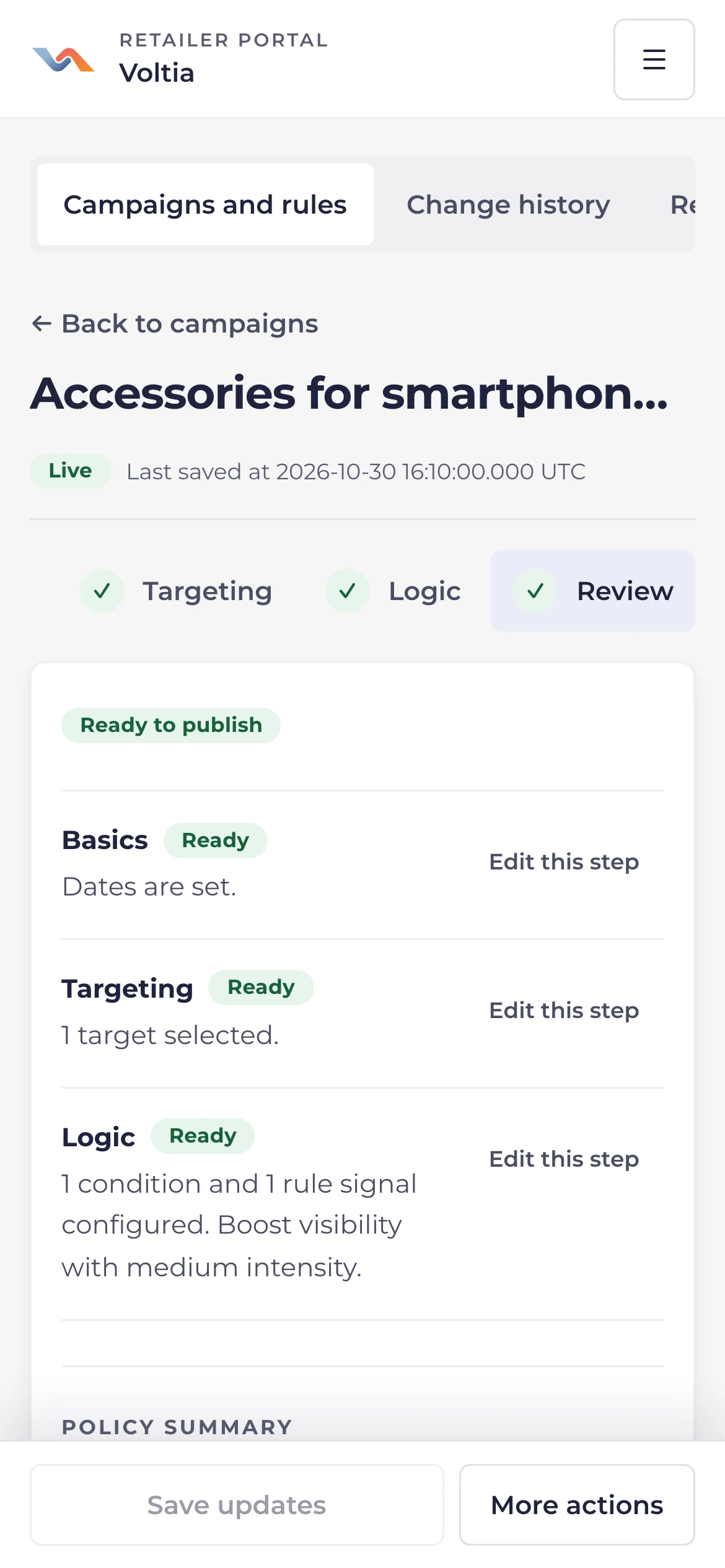
Boost or reduce a brand, a category or a product, on a schedule too. It enters the answer only when it fits the request.
-
Campaigns and rules
A campaign has a start and an end date. A rule stays on until you change it.
-
Where and how hard
Brands, categories, products or the whole catalog, at low, medium or high strength.
-
Summary and history
Check the summary before you publish. Every change stays in the history, with before and after.

Your store's knowledge base
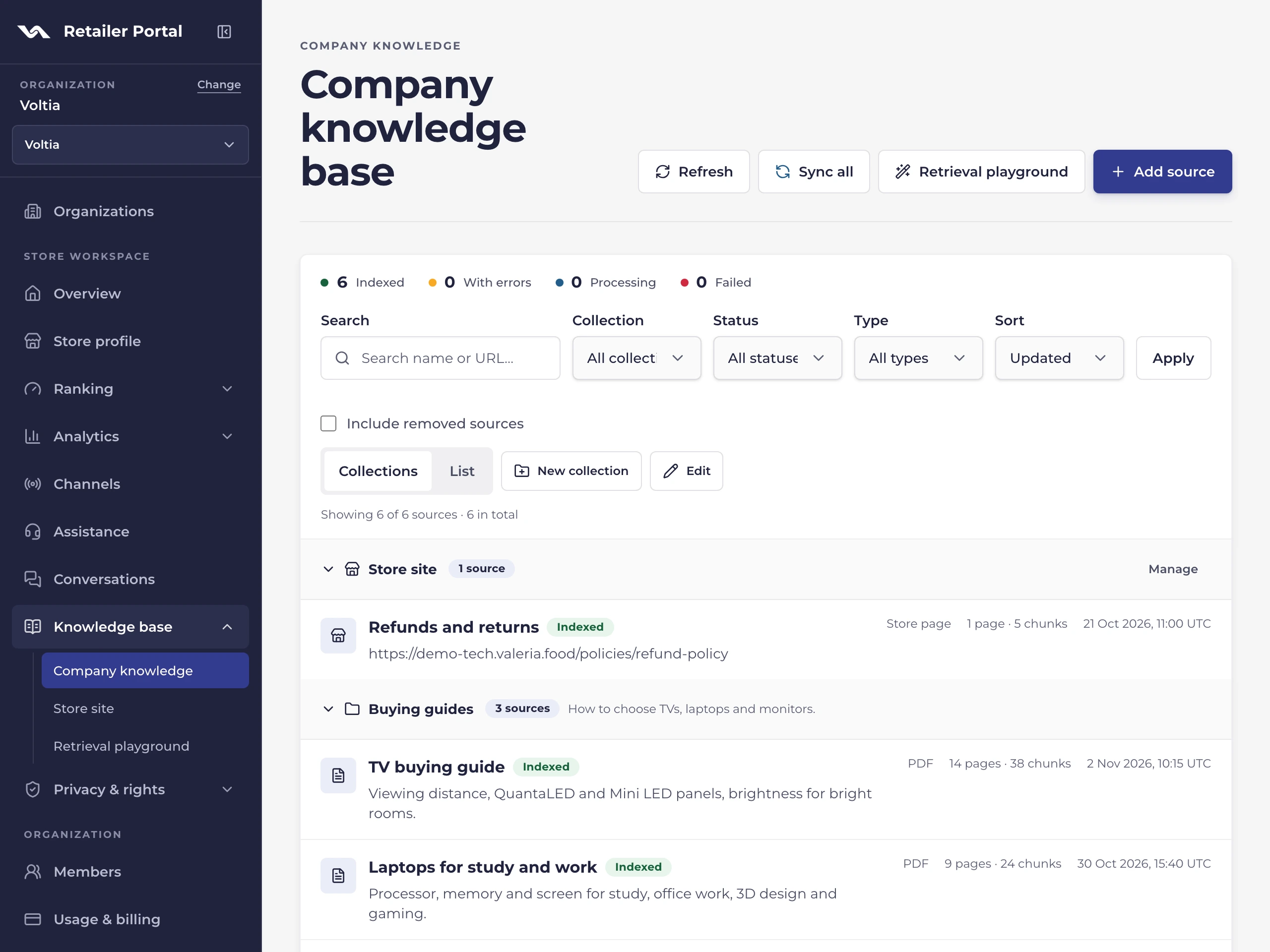
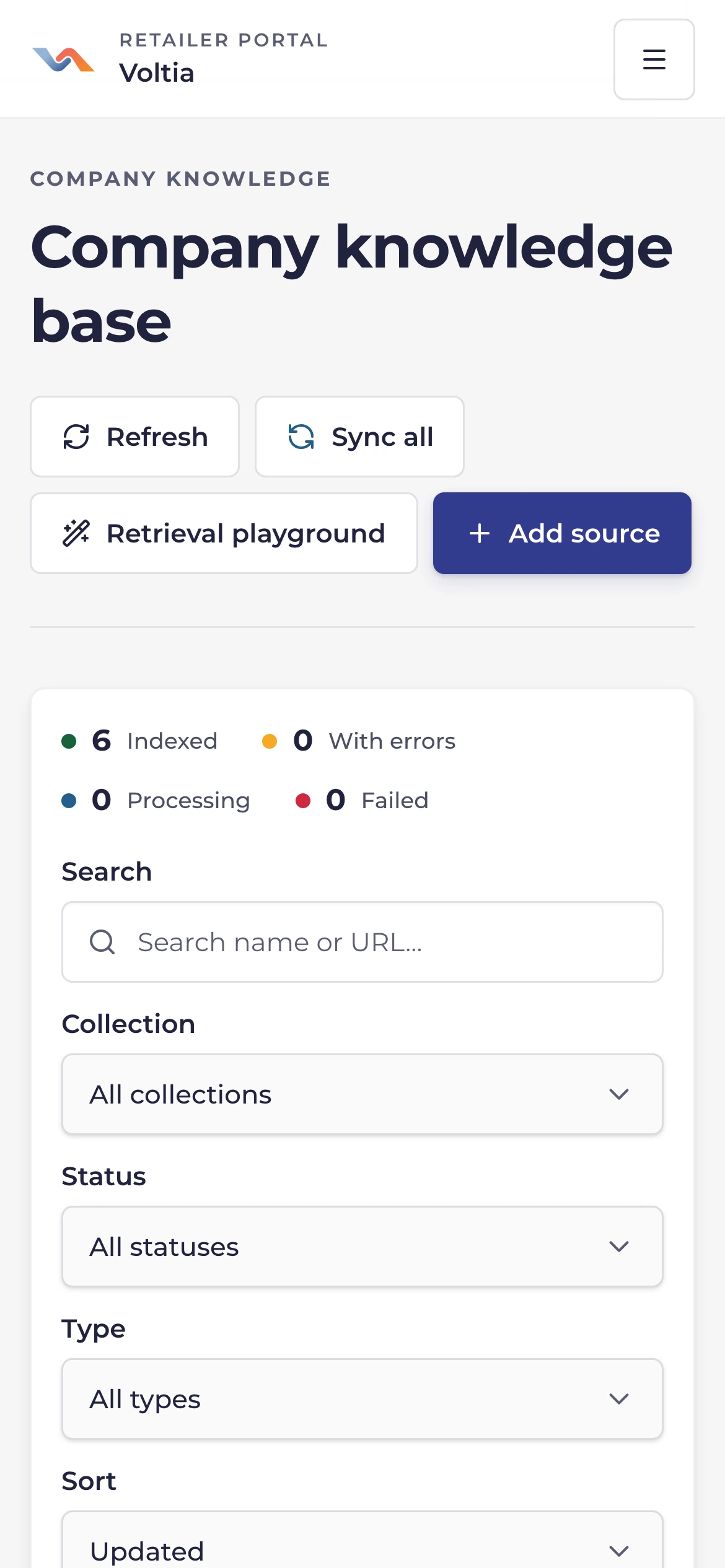
Guides, policies and store pages become sources for ValerIA's answers. Products and prices always come from your live catalog.
PDFs, Shopify pages and blog
Upload guides and FAQs as PDFs. Pick pages, policies and posts from your store: they stay in step with Shopify.
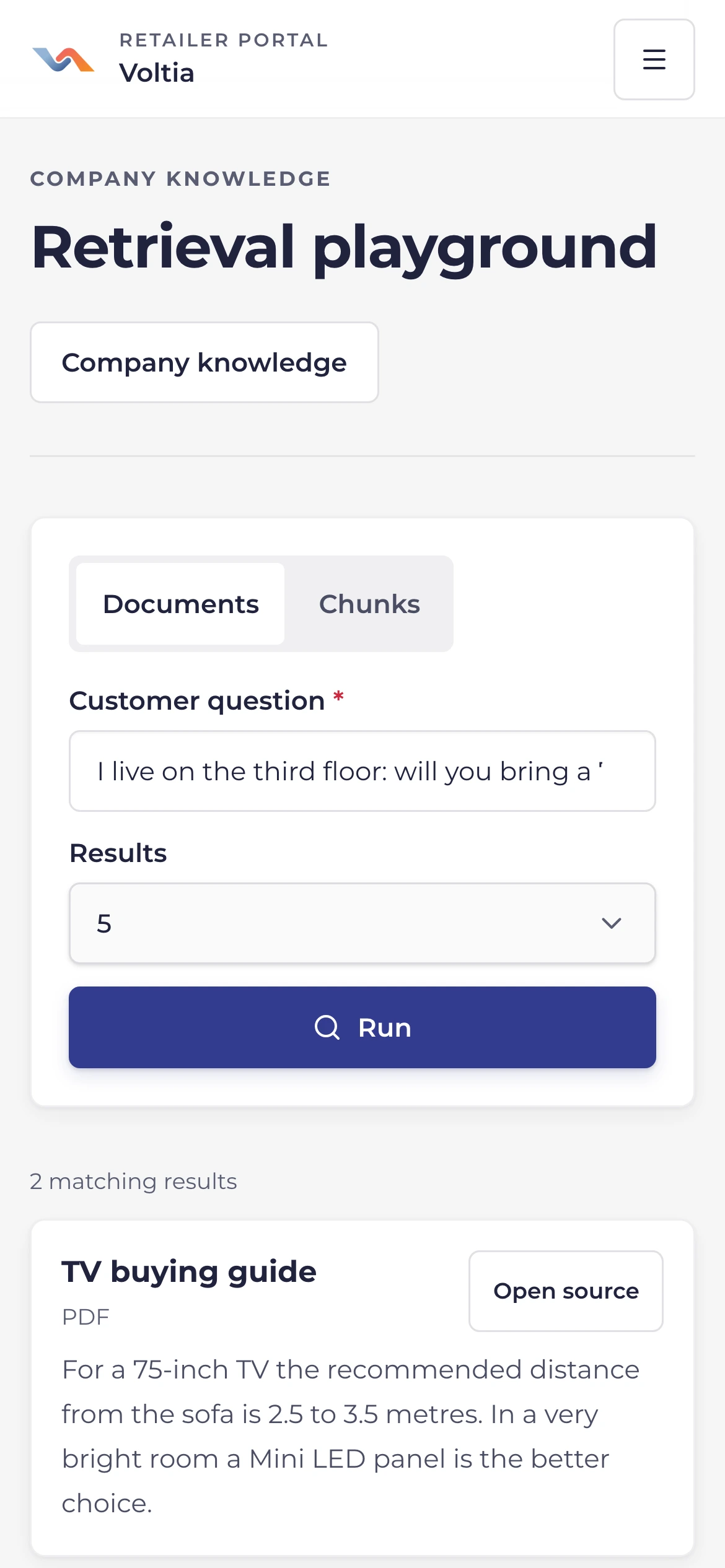
Test it like a shopper
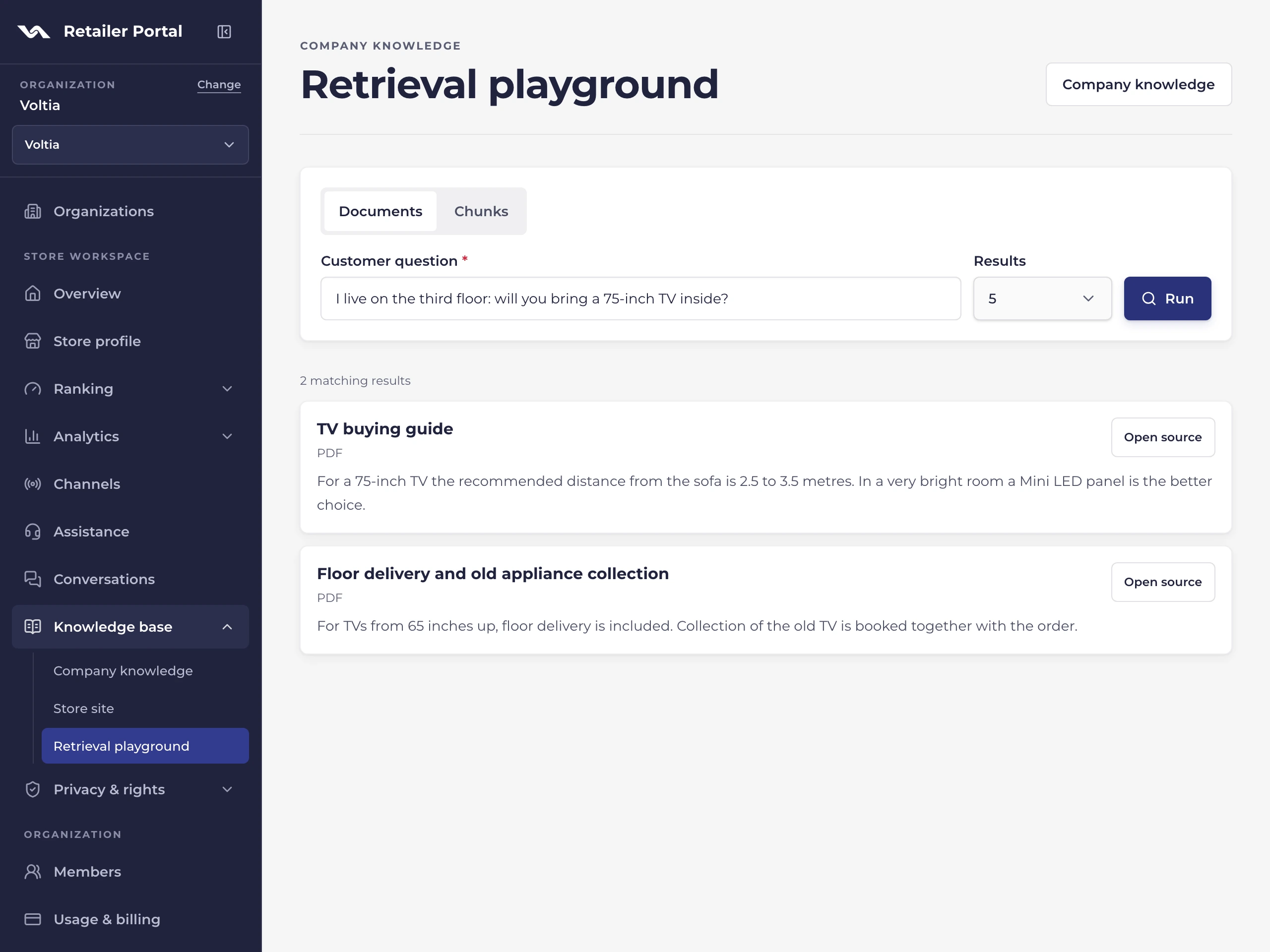
Type a question the way a customer would and see which documents and passages ValerIA would find.
-
Public web pages
Add single addresses, with no link crawling. Only pages about your store's products or services go in.
-
Versions and collections
Replace a document, republish an earlier version, sort sources into collections.
Read, then step in
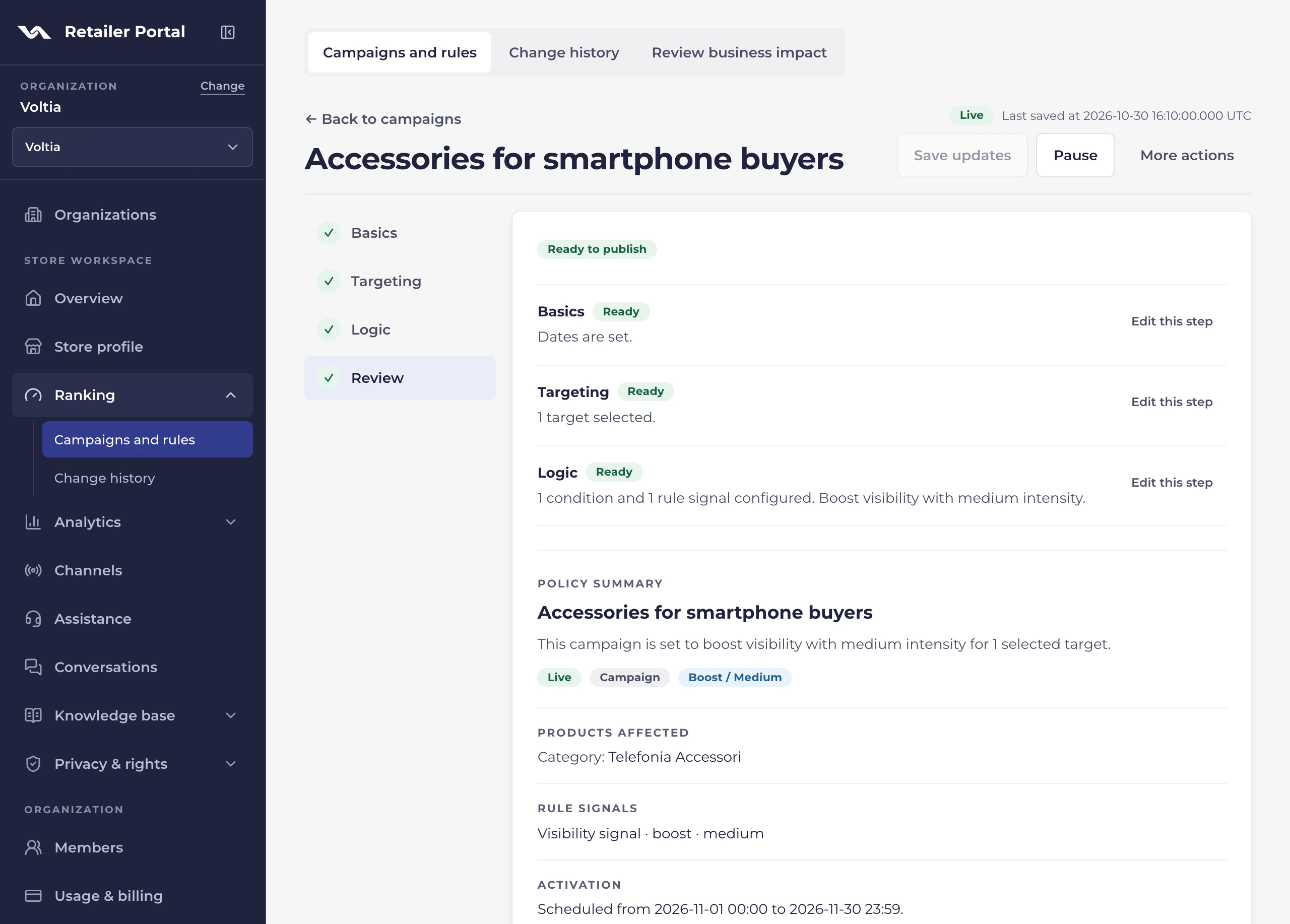
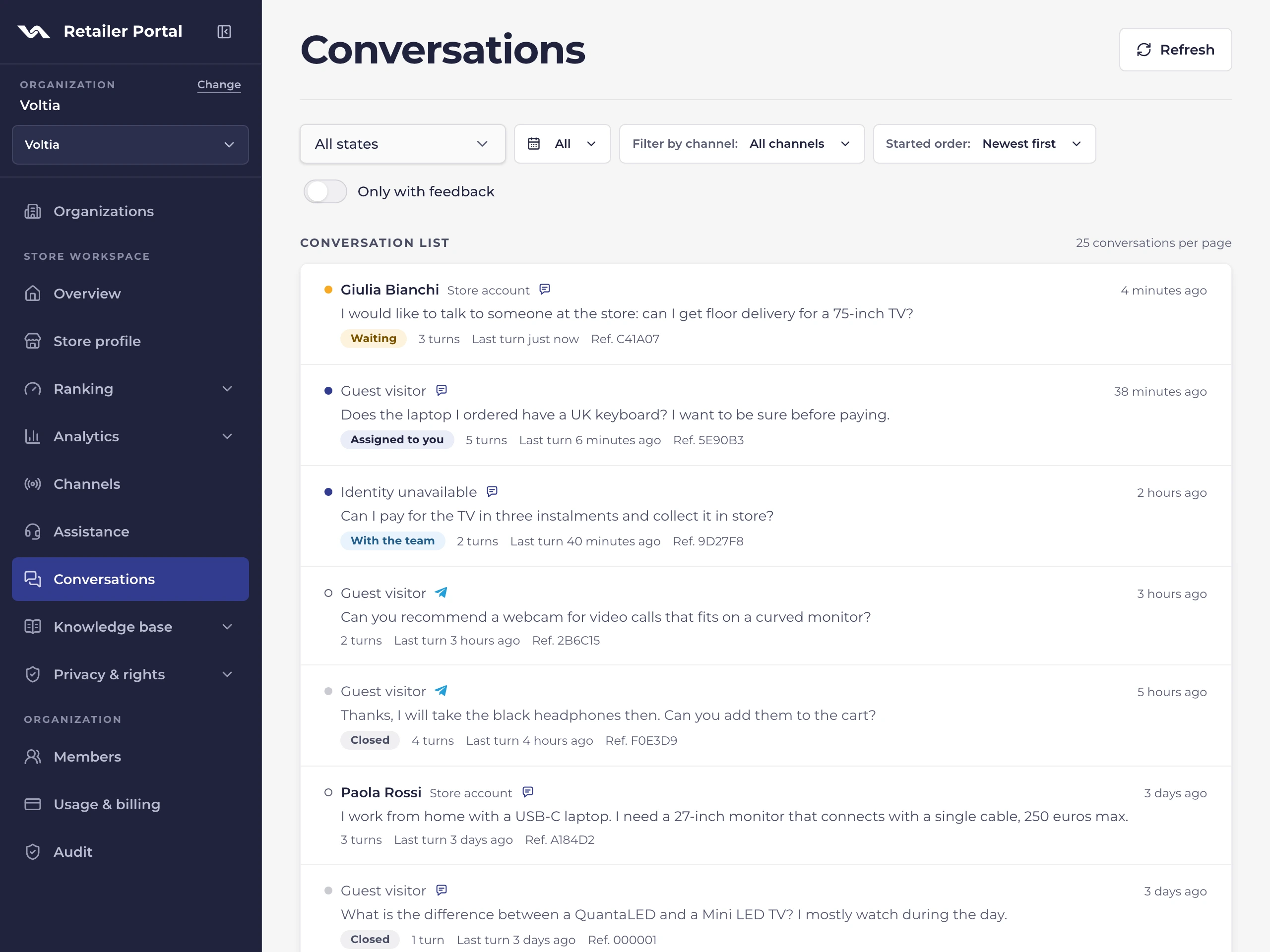
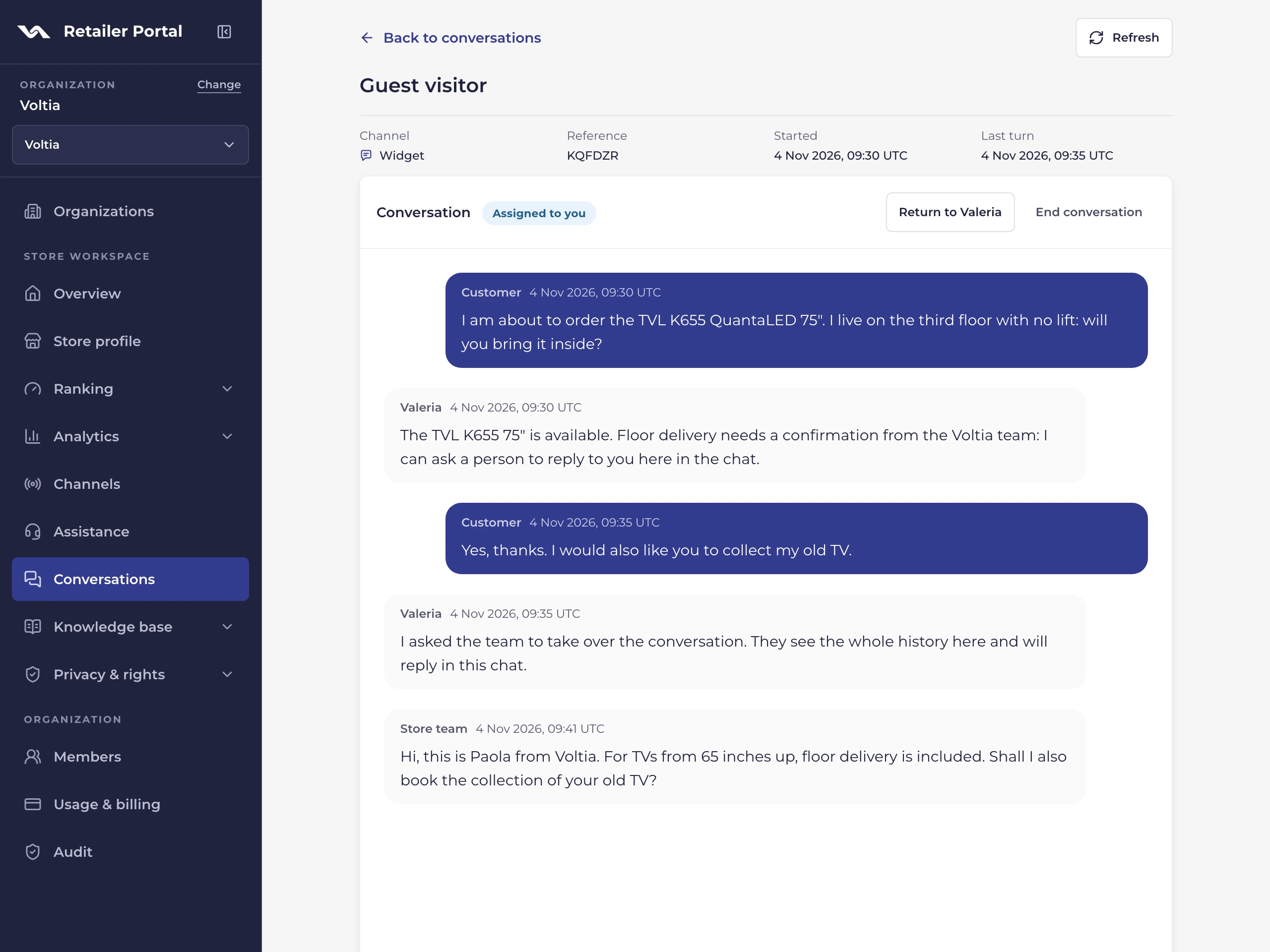
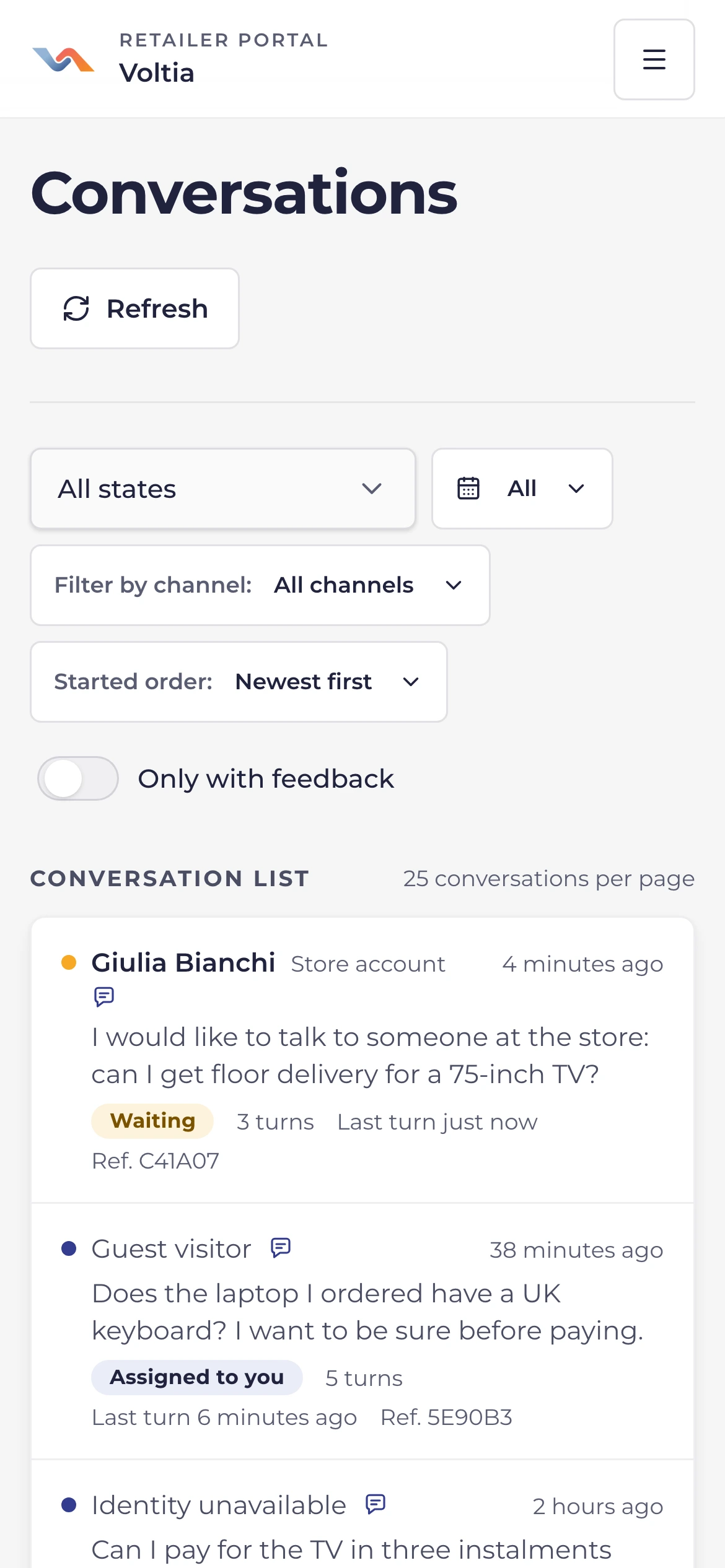
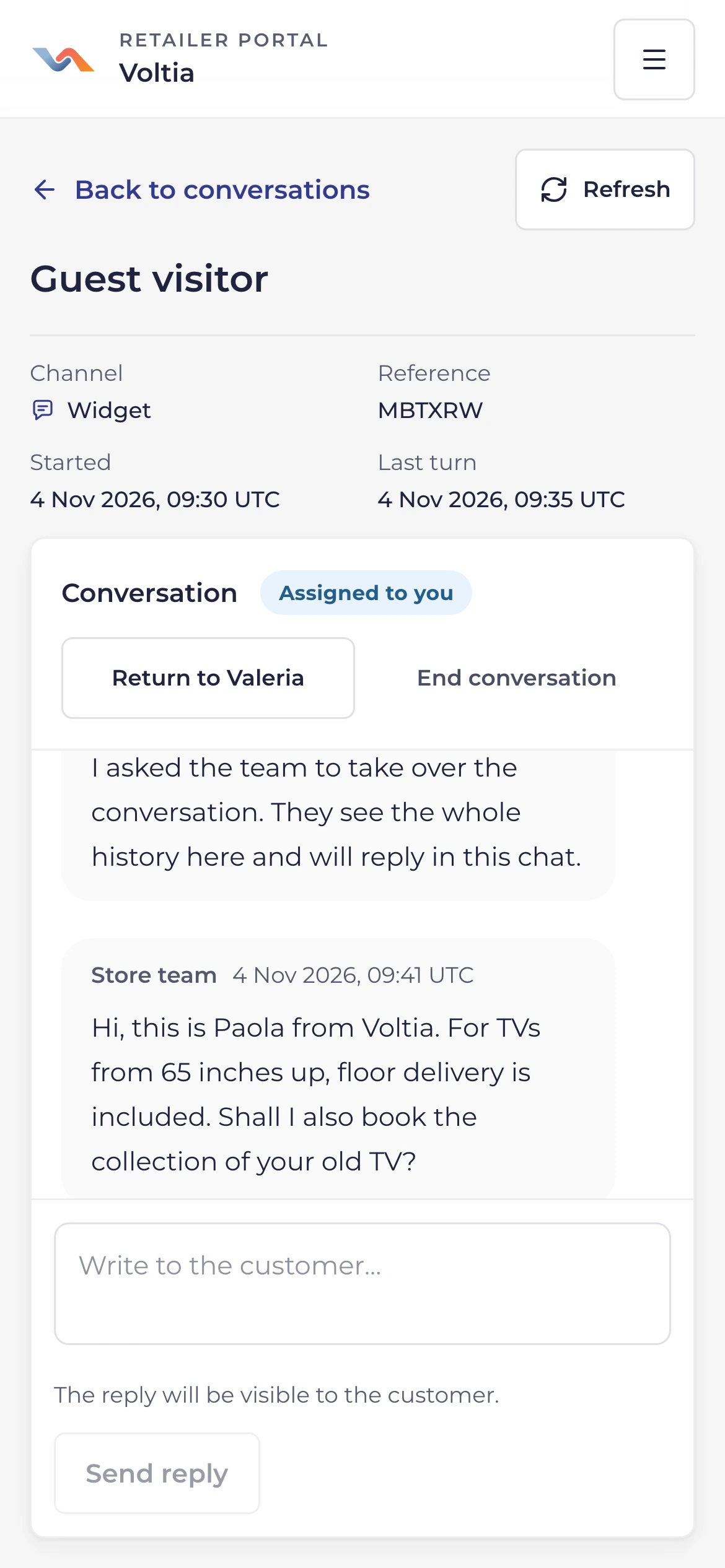
Every shopper conversation, by channel and status, with their feedback. If you switch it on, your team takes over a website chat and answers.
-
Filters by channel and status
Website, Telegram and WhatsApp in one list, with filters by date and feedback.
-
A shopper asks for a person
The chat waits for your team and ValerIA pauses. Your team gets a notice in the Portal, or by email, and takes it over.
-
Back to ValerIA
When you are done, hand the chat back to ValerIA or end it.
-
Support contacts and hours
Add your support WhatsApp or Telegram, with your hours. ValerIA points shoppers who ask for a person to them.

Measure what ValerIA does
Catalog
Most shown products and brands
Which products and brands ValerIA puts forward most, in the period you choose.
Orders
Orders assisted by ValerIA
With attribution on: assisted orders, GMV and conversion. Only orders from shoppers who used ValerIA and agreed to the measurement count.
Experience
Conversations and feedback
Conversations, messages and shopper feedback, over time.
Missing data
Not measured is not zero
When a figure cannot be measured, the Portal says so instead of showing zero.
Your team, roles and data
Invite your team with per-store roles. Every change stays in an audit log, and shopper data requests are handled here.
-
Per-store roles
Administrators for the whole organization, then store manager, merchandiser or viewer on the stores you choose.
-
Activity log
Campaigns, knowledge base, access and privacy: every change is recorded, with its date.
-
Privacy requests and exports
Record data subject requests with their deadlines and deliver data exports.
-
Usage and alerts
See the messages used in the period and get an alert at 80% and 100%.